Understanding Professional Service Payment Needs
Professional service businesses often collect payments differently from traditional retail businesses. Transactions may be connected to invoices, appointments, projects, retainers, recurring services, or other client engagements.
Flexible Ways to Pay — Clients may prefer to pay through digital invoices, secure payment links, online portals, mobile devices, or in person.
Invoice-Based Payments — Many professional services bill clients after work is performed or according to project milestones, making efficient invoicing and payment collection important.
Remote Payments — Clients aren’t always physically present when payment is due. Secure remote-payment options can make it easier to collect payments without requiring an in-person transaction.
Recurring Payments — Businesses providing ongoing services may benefit from technology that supports scheduled or recurring billing when appropriate.
Higher-Value Transactions — Consulting engagements, retainers, projects, and other professional services can involve larger transaction amounts, making clear documentation and good payment practices especially important.
Client Experience — The payment process is part of the overall client relationship. Providing convenient, professional ways to pay can help create a smoother experience from engagement through final payment.
Reporting & Visibility — Access to transaction and payment information can help businesses track payments, reconcile activity, and maintain better visibility into their receivables.
The right payment solution should make it easier for clients to pay while helping the business manage payments efficiently and professionally.

Invoices, Payment Links & Remote Payments
Professional service businesses often need to collect payments before, during, or after services are provided. Digital payment tools can make that process more convenient for clients while helping businesses collect payments efficiently.
Digital Invoices — Electronic invoices can provide clients with clear billing information and a convenient way to complete payment remotely.
Secure Payment Links — Businesses can send clients a secure payment link by supported digital channels, allowing them to complete payment from a compatible device.
Online Payment Options — Depending on the solution, businesses may provide clients with an online payment experience for invoices, services, deposits, or other approved transactions.
Virtual Terminals — Authorized users can use secure web-based virtual terminals for appropriate telephone or remotely entered transactions when supported by the payment solution.
Deposits & Upfront Payments — Businesses that require deposits or advance payments can use digital payment tools to collect funds before work begins or an appointment takes place.
Payment Flexibility — Offering multiple payment options can make it easier for clients to pay without requiring the business and client to be in the same location.
Maintain Clear Records — Connecting payments with invoices and client records can help businesses maintain better visibility into what has been billed, paid, refunded, or remains outstanding.
The payment experience should feel as professional as the service itself—simple for the client and manageable for the business.

Recurring & Higher-Value Payments
Professional service businesses may collect payments through retainers, ongoing service agreements, project milestones, subscriptions, or larger one-time transactions. The right payment technology can help businesses manage these payment arrangements efficiently while providing clients with a professional experience.
Recurring Billing — Businesses providing ongoing services may use recurring payment technology to automatically process scheduled payments according to the client’s agreement.
Retainers & Deposits — Payment solutions can help businesses collect retainers, deposits, or other upfront payments before services or projects begin.
Project & Milestone Payments — Longer engagements may require payments at different stages of a project, making flexible invoicing and payment collection valuable.
Higher-Value Transactions — Professional services can involve larger transaction amounts. Clear invoices, client authorization, and accurate documentation are especially important for these payments.
Securely Stored Credentials — When payment information needs to be maintained for future or recurring transactions, businesses should use payment solutions designed to securely manage stored payment credentials.
Clear Client Authorization — Clients should understand the amount, timing, and terms of recurring or scheduled payments before charges are processed.
Maintain Payment Records — Agreements, invoices, payment authorizations, receipts, and client communications can provide valuable documentation if questions or disputes arise.
Recurring and higher-value payments should be convenient for the client while giving the business the control, visibility, and documentation needed to manage them effectively.
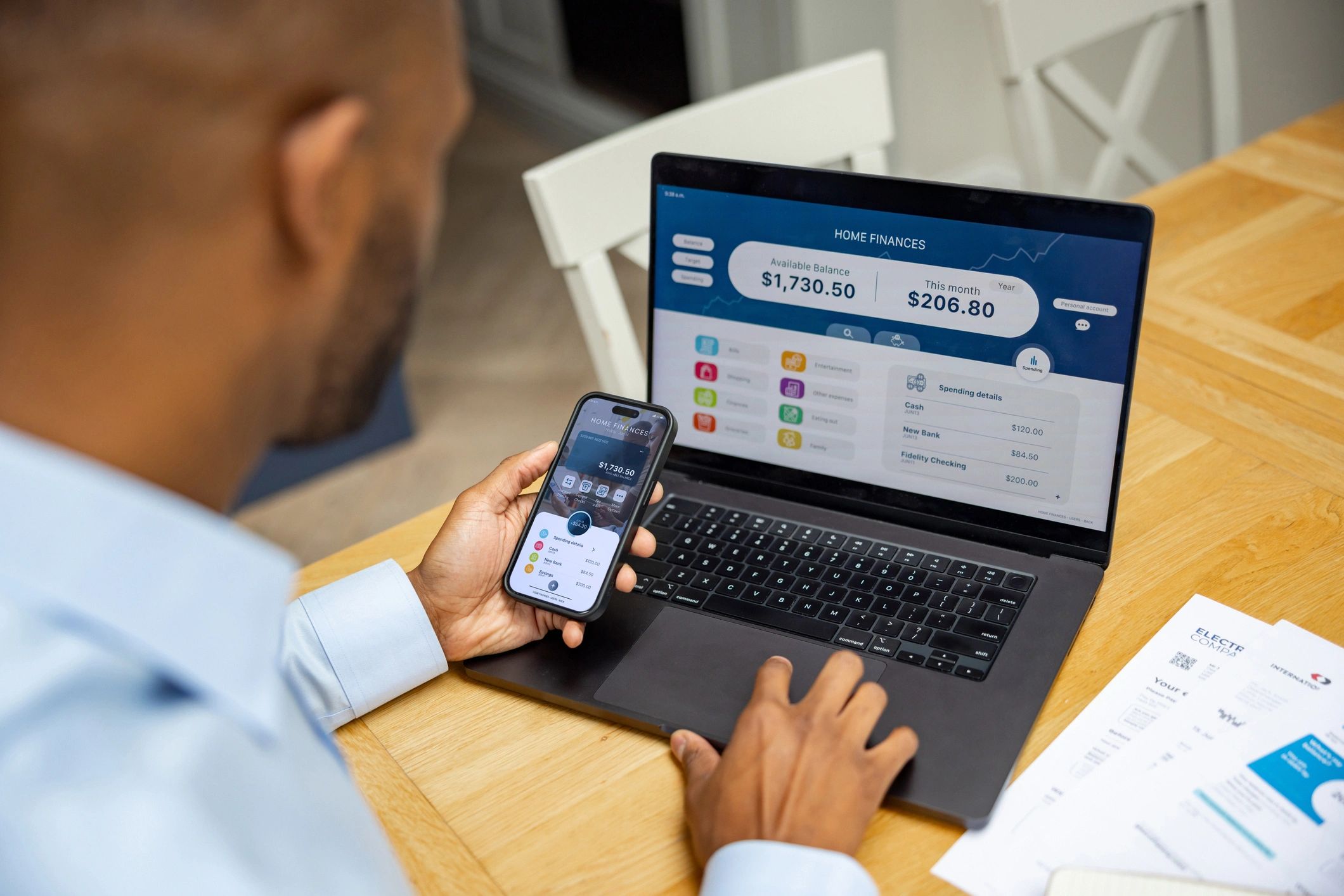
Accounting, CRM & Business Integrations
For professional service businesses, payments often connect with invoicing, accounting, client management, scheduling, and other systems used to manage everyday operations. The right integrations can help reduce manual work and create a more connected business environment.
Accounting Integration — Compatible payment solutions can help transaction information flow into accounting systems, simplifying reconciliation and financial recordkeeping.
CRM & Client Management — Connecting payments with customer relationship or client-management systems can help businesses maintain better visibility into client activity and payment history.
Invoicing & Billing — Integrated billing tools can help connect invoices with payments, making it easier to track what has been billed, paid, refunded, or remains outstanding.
Scheduling & Appointments — Service businesses that operate by appointment may benefit from technology that connects scheduling with deposits, payments, or other billing functions.
Recurring Billing — Compatible systems can help businesses manage ongoing client payment arrangements alongside other account information.
Reporting & Analytics — Centralized reporting can provide greater visibility into transaction activity, payment trends, outstanding balances, and other useful business information.
Choose Integrations Carefully — Not every payment solution works with every accounting, CRM, scheduling, or business platform. Compatibility should be evaluated before selecting or changing payment technology.
The goal of integration is to make payments a seamless part of the business workflow—not another disconnected system that requires additional administrative work.

Payment Security, Fraud & Chargebacks
Professional service businesses may accept payments remotely, maintain recurring billing arrangements, or process higher-value transactions. These payment scenarios make appropriate security practices, client authorization, and clear documentation especially important.
Protect Payment Information — Use properly configured payment technology and appropriate security practices to help protect sensitive client payment information.
Secure Remote Payments — Online, telephone, virtual-terminal, and other card-not-present transactions can present different fraud risks than in-person payments. Appropriate security and verification tools should be considered.
Protect Stored Credentials — Businesses that maintain payment credentials for recurring or future transactions should use solutions designed to minimize exposure of sensitive payment information.
Document Client Authorization — Agreements, invoices, signed approvals, recurring-payment authorizations, and other documentation can help establish what the client agreed to pay.
Control Employee Access — Limit access to payment systems and sensitive functions based on employees’ responsibilities and avoid unnecessarily sharing login credentials.
Monitor Unusual Activity — Unexpected payment behavior, repeated declines, unusual transaction requests, or inconsistencies in client information may deserve additional attention.
Prepare for Chargebacks — If a client disputes a transaction, clear agreements, invoices, service records, payment authorizations, and communications can provide important supporting documentation.
Strong payment security should protect both the business and its clients while allowing the payment experience to remain convenient and professional.

Understanding Processing Costs for Professional Services
Payment processing costs for professional service businesses can vary based on transaction size, payment method, billing structure, and how clients choose to pay. Understanding the complete cost of accepting payments can help businesses evaluate whether their current solution provides appropriate value.
Transaction Size & Volume — Professional service businesses may process fewer transactions with higher average values than traditional retail businesses, which can create a different processing profile.
In-Person vs. Remote Payments — Online, telephone, virtual-terminal, and other card-not-present transactions may have different processing costs and risk considerations than payments completed in person.
Recurring Payments — Businesses using recurring billing should understand how scheduled transactions are processed and what costs may apply.
Card & Payment Type — The types of cards clients use and how transactions are accepted can influence overall processing costs.
Pricing Structure — Interchange-plus, flat-rate, tiered, and other pricing models calculate processing costs differently. Understanding the structure is important when evaluating providers.
Technology & Service Costs — Payment gateways, virtual terminals, invoicing tools, integrations, recurring-billing capabilities, and other services may contribute to the overall cost.
Additional Fees — Monthly charges, gateway fees, PCI-related fees, and other applicable costs should be considered when evaluating the complete payment expense.
The lowest advertised rate doesn’t necessarily represent the lowest overall cost. The goal is to understand what you’re paying and whether your payment solution provides the right combination of cost, technology, security, functionality, and support.

Choosing the Right Payment Solution for Your Professional Service Business
The right payment solution should make it easier for clients to pay while supporting the billing, technology, security, and operational needs of your business.
Consider How You Bill Clients — Determine whether you primarily use invoices, retainers, deposits, recurring billing, project milestones, in-person payments, or a combination of payment methods.
Make Payments Convenient — Consider digital invoices, secure payment links, online payments, recurring billing, and other options that make it easier for clients to complete payment.
Evaluate Business Integrations — Understand whether your payment solution needs to connect with accounting, CRM, invoicing, scheduling, or other software your business relies on.
Prioritize Security — Look for appropriate security technologies and practices, particularly when accepting remote payments or maintaining payment credentials for future transactions.
Understand the Total Cost — Evaluate processing fees alongside gateways, software, integrations, monthly services, and other applicable payment-related expenses.
Consider the Client Experience — The way you request and collect payment is part of the overall client relationship. Payment should feel professional, straightforward, and consistent with the service you provide.
Evaluate Service & Support — Access to knowledgeable support can be especially valuable when questions arise involving billing, transactions, integrations, or payment technology.
Plan for Growth — Consider whether the solution can accommodate additional clients, employees, payment methods, services, or locations as your business evolves.
The best payment solution isn’t necessarily the one with the most features or the lowest advertised rate. It’s the one that provides the right combination of convenience, technology, cost, security, functionality, and support for your professional service business.
